Arabic · technology · advanced · 111 words · ~1 min
ضَبْطُ إِعْدَادَاتِ الرَّاوْتَرِ الْمَنْزِلِيِّ
การตั้งค่าเราเตอร์ที่บ้าน
Configuring a Home Router
Two technically minded friends configure a home router's SSID, password, and security settings.
No recorded audio yet Playback uses your device's built-in voice — quality depends on your browser.
Thai
Script
Sign in to save texts and track what you've read.
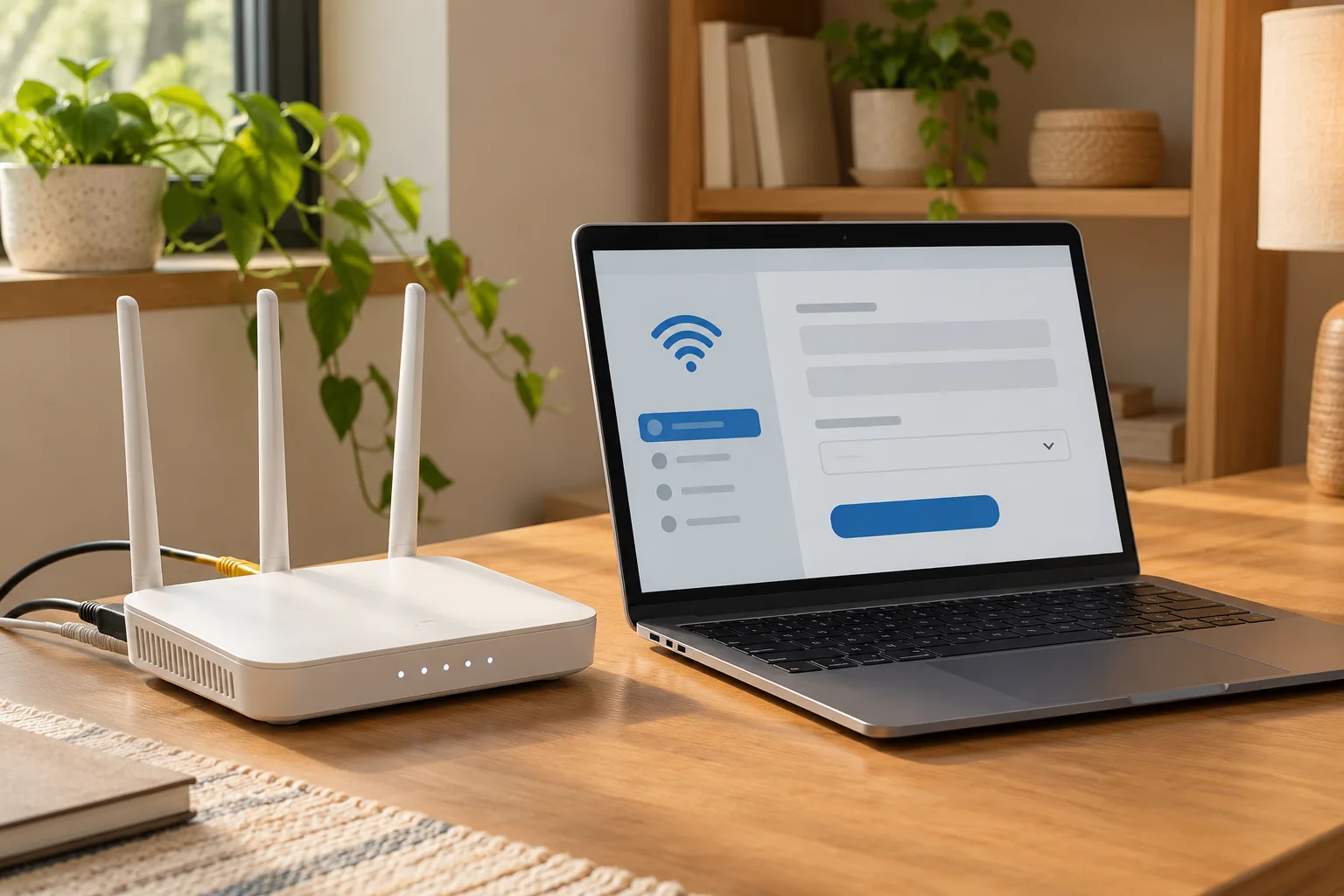 A home router beside a laptop displaying a simple router settings interface with wifi icon and abstract form fields, neatly arranged cables.
هَارُونُ . ؟ ฉันอยากเปลี่ยนชื่อเครือข่ายไวไฟที่บ้าน แล้วก็เพิ่มความปลอดภัยให้มัน จะเริ่มจากตรงไหนดี
حَفْصَةُ () . เข้าไปที่หน้าควบคุมของเราเตอร์ผ่านเบราว์เซอร์ โดยพิมพ์ที่อยู่ (192.168.1.1) หรือตามที่เขียนไว้ด้านหลังเราเตอร์
هَارُونُ . . เข้าไปแล้ว มันขอชื่อผู้ใช้กับรหัสผ่าน
حَفْصَةُ «» . () ( ). ค่าเริ่มต้นส่วนใหญ่คือ 'admin' ทั้งคู่เลย หาส่วน Wireless หรือ Wi-Fi Settings ดู
هَارُونُ . () . เจอแล้ว ฉันเห็นช่อง SSID ซึ่งก็คือชื่อเครือข่ายที่แสดงให้คนอื่นเห็น
حَفْصَةُ . () () . เปลี่ยนเป็นชื่อที่กำหนดเอง แล้วตรวจสอบให้แน่ใจว่าเลือก WPA3 หรืออย่างน้อย WPA2 สำหรับโปรโตคอลการเข้ารหัส
هَارُونُ (). () ) ). ฉันไม่เห็น WPA3 เลย ตัวเลือกที่มีคือ WPA2-AES กับ WEP และ WPA-TKIP
حَفْصَةُ () . () . เลือก WPA2-AES เถอะ มันปลอดภัยที่สุดในบรรดาตัวเลือกเหล่านั้น หลีกเลี่ยง WEP ไปเลยเพราะมันอ่อนแอมาก
هَارُونُ . ؟ ฉันตั้งชื่อกับการเข้ารหัสเรียบร้อยแล้ว ควรเปลี่ยนรหัสผ่านเริ่มต้นของหน้าควบคุมด้วยไหม
حَفْصَةُ ، . . ใช่ สำคัญมากเลย รหัสผ่านเริ่มต้นเป็นที่รู้กันทั่วไป ซึ่งถือเป็นช่องโหว่ด้านความปลอดภัย
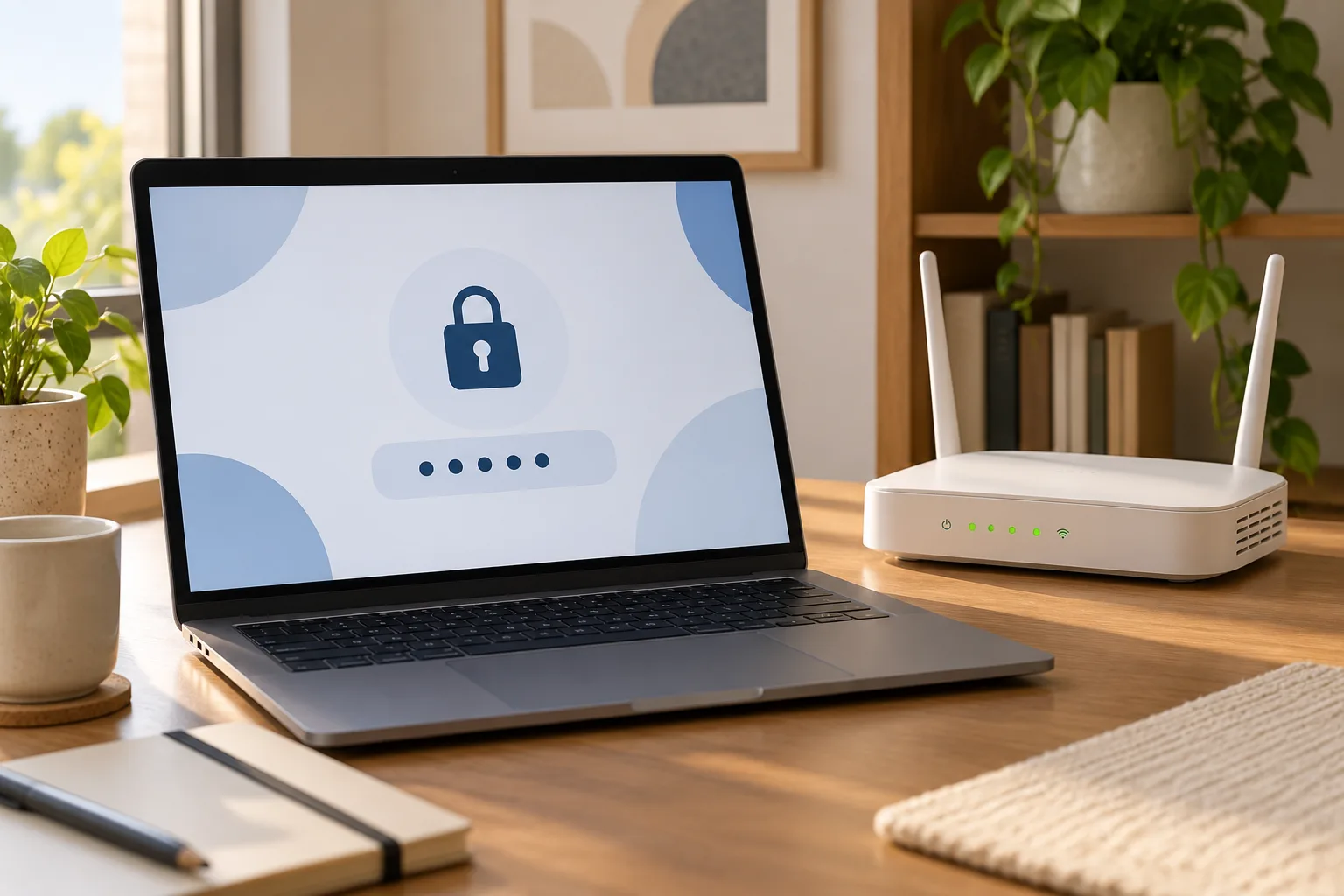 Close view of a laptop showing a large lock icon and password dots beside a home router with green indicator lights.